Skip To Content

FAQs & Learner Experience Guide

ADVANCE at Cedar Crest is the College’s professional learning platform, designed to help adult learners build in-demand skills and advance their careers on their own schedule. Through flexible, short-term programs and micro credentials, ADVANCE provides practical, career-focused training aligned with today’s evolving workforce needs.

Learners can gain industry-recognized credentials, strengthen workplace competencies, advance in their current roles, or explore new career pathways. While these programs are non-credit, all completed coursework is officially recorded through Cedar Crest College.

Courses are delivered online through external learning platforms, including Coursera, MedCerts, Pangea, Certiport, and NC Labs, ensuring high-quality, accessible learning experiences.

Who is the typical ADVANCE learner?

ADVANCE learners are commonly working adults, career changers, upskilling professionals, returning learners, and individuals exploring degree pathways.

They typically seek flexible scheduling, short-duration training, practical job-aligned skills, and accessible entry into education.

Latin american woman writing notes and smiling in home office

Learners often enroll to prepare for promotion, build new job skills, change careers, strengthen resumes, explore a field, or test interest before degree enrollment.

  • Search for courses and register directly through the ADVANCE storefront website at ADVANCE at Cedar Crest, complete registration and payment, and receive confirmation and platform access instructions by email. Course access opens after registration via email, and learners may begin within their access window.
  • You’ll then arrive at the ADVANCE at Cedar Crest storefront site. You can search a specific course through the search:

OR search through categories.
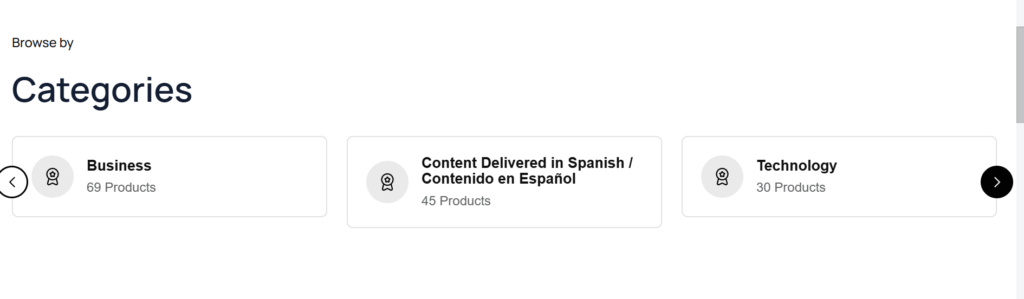
There is also a section for Featured Courses/Programs/Certificates:
Each category, or the “Features” section, opens a series of tiles that display a photo, the course provider, course title, and course cost. You can also sort courses by type of program – course, program, or certificate; by cost; or course title; or filter by cost, category, content provider, or outcome.
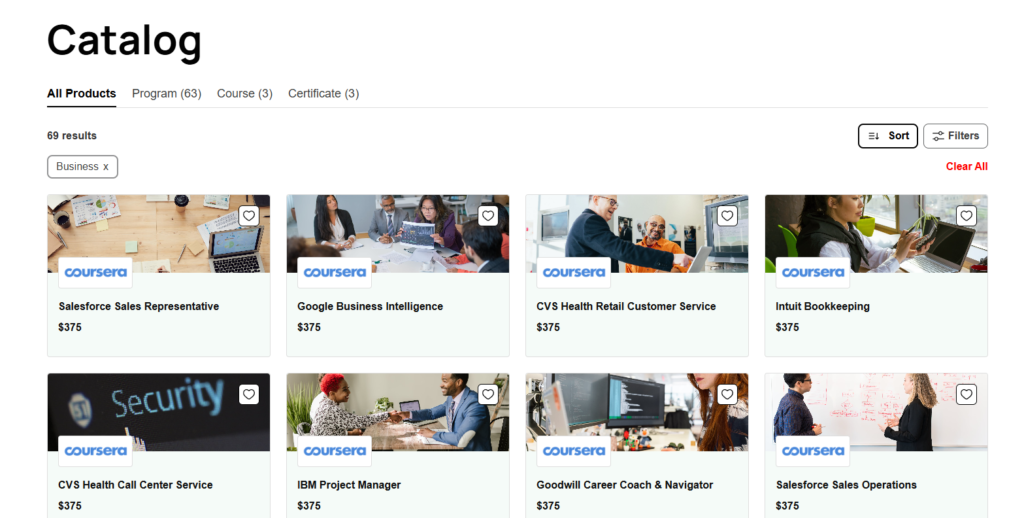
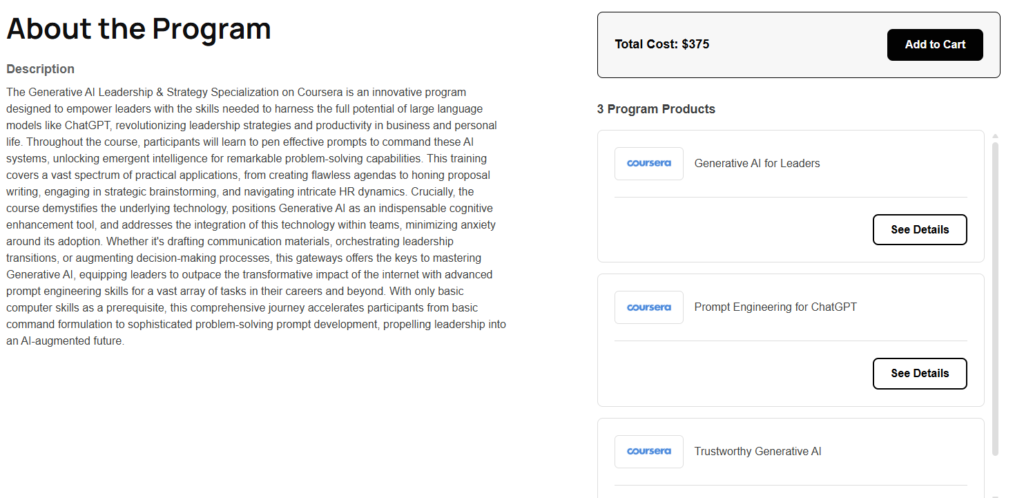
  • Once a course is selected (by clicking on the tile), the page opens the course title, an associated visual image/photo, a course description, and information about the content modules. The banner at the top of the page displays # of credit hours (always = 0), references that the course is self-paced, and lists the number of learning hours of content delivered.

Under the banner on the left side of the page is the course description, the right side lists the “program products” or modules included in the course, as well as an option to “Add to Cart.”

The bottom of the page contains a section on “Deliverables” and “Outcomes.” The information in these sections will differ depending upon the content provider.
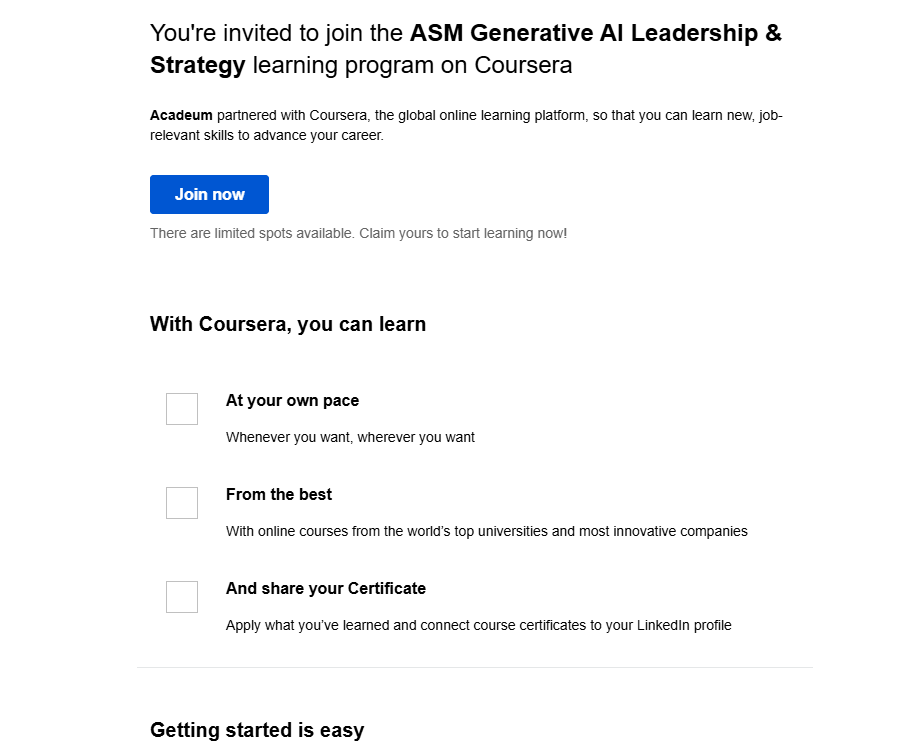
  • Registering for a course/program/certificate/ “Adding to Cart”

After choosing “Add to Cart,” you will be offered the option to “Remove” or “Go to Check out.”

You will then proceed to your cart where you will complete payment details, including first and last name, country, address, and credit card information (card number, expiration date, and security code). Once complete, you will select the “Buy Now” option, verifying your intent to proceed to registration.
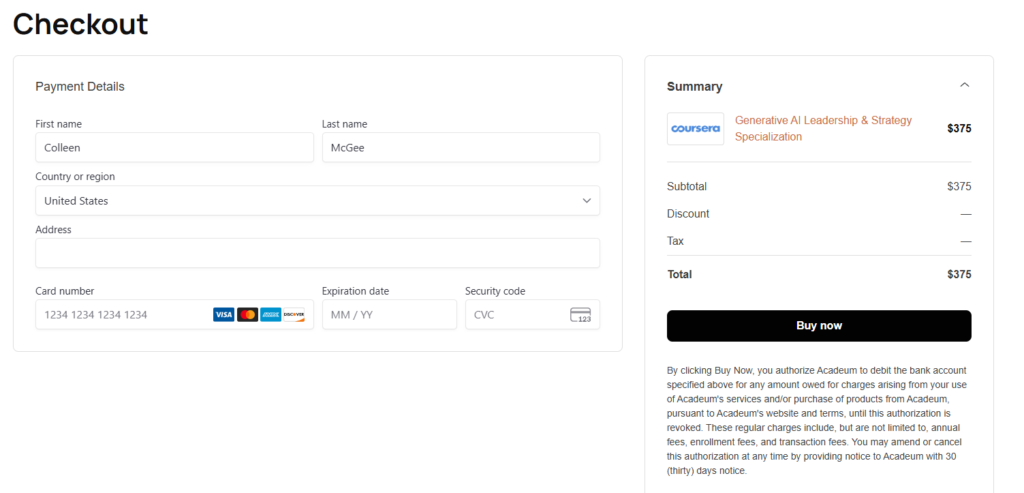
You will then provide additional registration information including email, date of birth, phone number, country, and state.

After registration, you’ll receive a confirmation email and platform login instructions.
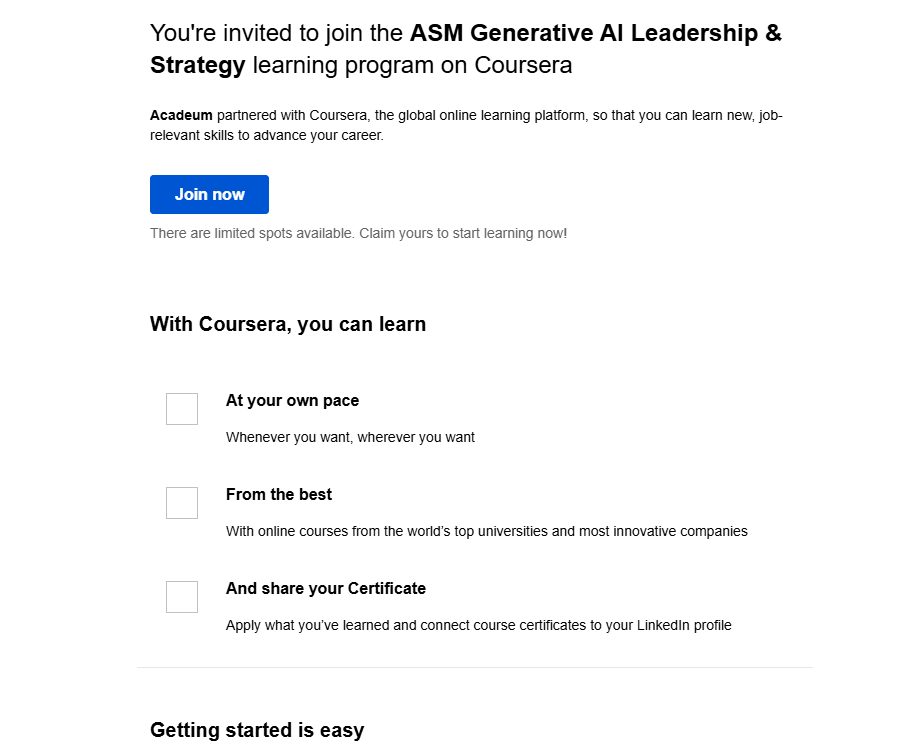
Course access opens through the training provider platform. There are no class meeting times or semester start dates. You can progress at your own pace within the access period.

Once registration is complete, you will receive a separate email confirming payment.
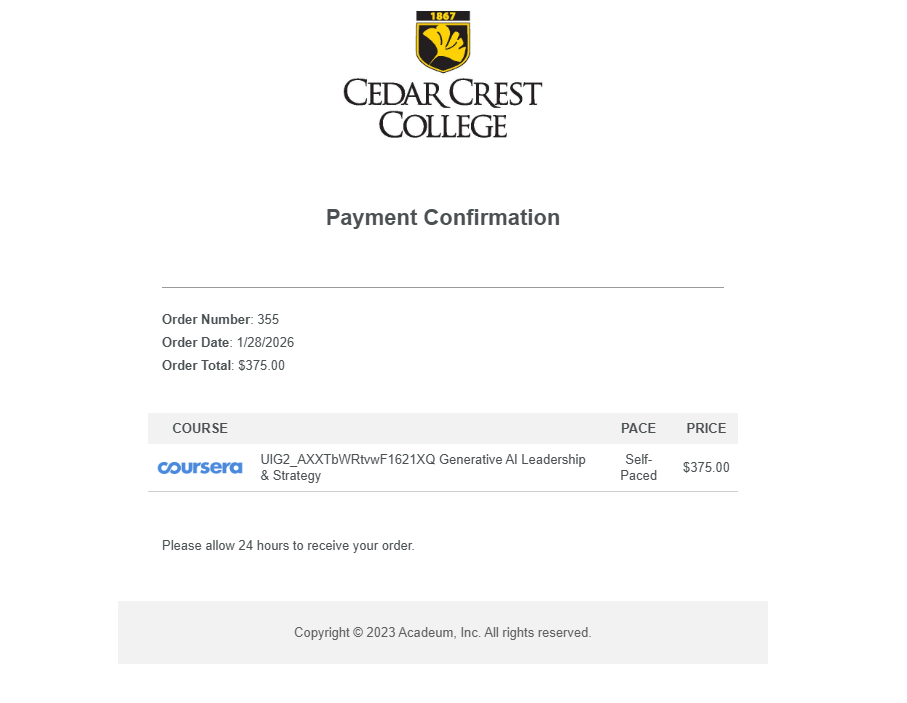
Access depends on the training provider.

MedCerts, Coursera, Pangea, and Certiport courses include one year of access.

NC Labs courses include one month of access per 10 hours of coursework, or up to one year for full training programs.

Universidad Tecmileno course access is two months, certificate access is five months, and program access is 12 months.

You may log in at any time during your access period. Access will expire at the end of the timeframe outlined above, regardless of whether the content has been completed.

Your experience may vary by content provider. Upon registration, you will receive an email with a link to the provider’s learning management system (LMS), where you can begin accessing and engaging with the content.

Do ADVANCE courses have deadlines?

There are no academic deadlines. Access remains available for the full duration of the provider’s access window. You must complete coursework before access expires.

Portrait of a young man using a laptop in a modern office.

Yes! You may enroll in multiple ADVANCE courses and stack credentials over time. Many learners complete sequential courses to deepen or broaden their expertise.

Generally, prerequisites are not required for most courses, although a high school diploma or GED may be helpful.

Some more technical courses/programs/certificates may have a prerequisite listed in the course description. This is merely a recommendation and will not be checked or enforced for registration. It is your responsibility and choice to select content accordingly.

ADVANCE courses provide validated skills and learning through workforce-aligned credentials rather than academic credit courses. Some offerings may align with Cedar Crest College degree programs, and you may choose to apply to the College in the future. Learners interested in exploring those pathways should consult with College counselors for additional guidance.

ADVANCE participation may support later degree enrollment through career exploration, skill development, or program alignment. To learn more about Cedar Crest’s degree programs and contact Admissions, visit cedarcrest.edu/admissions-and-aid/.

Do learners receive a credential?

Upon successful completion, learners receive a certificate, digital badge, or industry credential from the content provider. The type of credential awarded varies by provider and course.

City business woman, portrait and smile for corporate success, motivation and vision in urban New York USA outdoors. Happy young female entrepreneur, employee and worker with vision of career goals

Courses are accessed through the provider platform MedCerts, Coursera, Pangea, Certiport, or NC Labs. You will receive login instructions after registration.

Training platforms provide technical support, navigation assistance, and course-related help. Cedar Crest may provide general guidance, pathway information, and continuation advising. Platform-specific issues are handled by the provider.

Most courses provide up to one year of access, while NC Labs access is based on course length. You may progress gradually within that window and complete before access expiration.

Access extension policies vary by provider and are not guaranteed. Requests are handled by the training platform or ADVANCE program staff.